Powered by the Psiphon Network

Hosted Conduit

Hosted Conduit runs two dedicated relay stations on Psiphon's servers 24/7, so people in censored regions can always connect, even when your phone is off. One subscription gives up to 198 people a way in.

$9.99/month

Get started

Cancel anytime.

24/7

Always running

198

People per subscription

0%

Battery used

What is the difference between Conduit and Hosted Conduit?

Tap the (i) icons for details

Feature
Conduit
Hosted Conduit
Where does it run?
ConduitOn your deviceiConduit runs locally on your Android, MacOS, & Windows device via the Conduit app
Hosted ConduitPsiphon's serversiHosted Conduit runs on Psiphon servers in the cloud. Subscribe via the Conduit app on Android or in a web browser on your MacOS, Windows, & iOS Device.
When does it run?
ConduitWhen your device is oniConduit runs when your phone or computer is on, open, and connected to wifi or data
Hosted Conduit24/7iHosted Conduit runs 24/7, no device required to be on and running
User capacity?
ConduitUp to 25 public users on MacOS & Windows. Up to 30 users, split between personal and public on Android.iYour Conduit station carries up to 25 connected users at once
Hosted ConduitUp to 198 at once - 99 in the personal pool and 99 in the public pooliA Hosted Conduit subscription creates two stations for you with capacity for 99 connected users in each, 198 total. One for the people you invite via your link (personal pairing) and one for the broader Conduit network (public pairing).
Cost?
ConduitFreeiConduit is a free app and you can run a Conduit station for free
Hosted Conduit$9.99/monthly or $99.99/annuallyiHosted Conduit is a subscription offered in the free Conduit app for $9.99/Month or $99.99/Year
Efficiency?
Conduit8.9 MB / connectioni8.9 MB median data per connection
Hosted Conduit21.6 MB / connectioni21.6 MB median data per connection. That is 2.4X more data carried via a Hosted Conduit connection vs standard Conduit connection!
Compatible Devices?
ConduitAndroid, Windows, & MacOSiThe Conduit app is available on Android, MacOS, and Windows devices.
Hosted ConduitAndroid, MacOS, iOS, and WindowsiSubscribe in the Conduit app on Android or through your web browser on MacOS, iOS, and Windows.

Get Started with Hosted Conduit

1

2 ways to run
Hosted Conduit

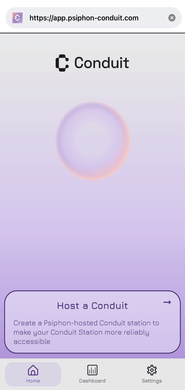
Start on your phone or straight from a browser

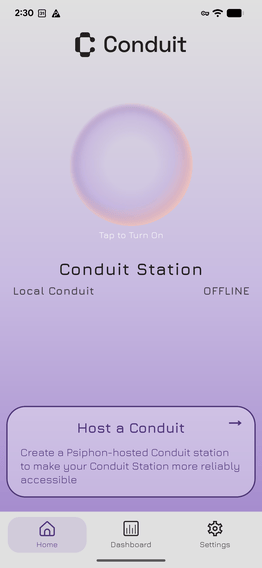
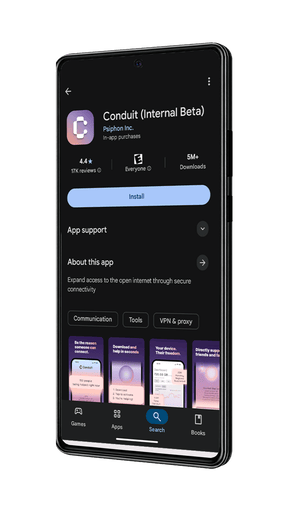
Way 1: Download the app

Get Conduit from the Play Store
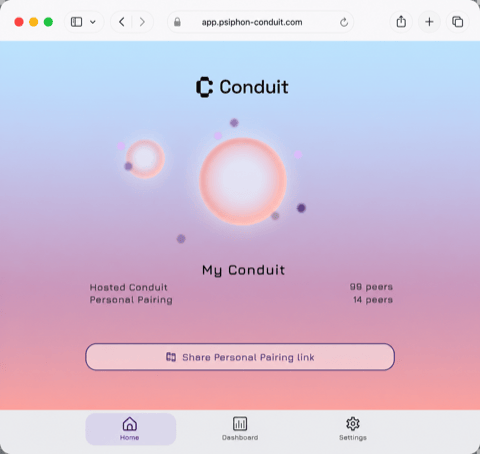
Way 2: Use your browser

No download — sign in and go
2
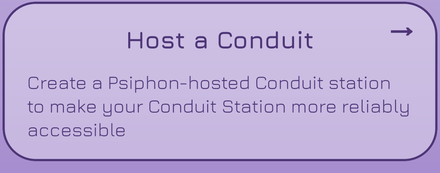
Host a Conduit

Host a Conduit

Create your own hosted station
3
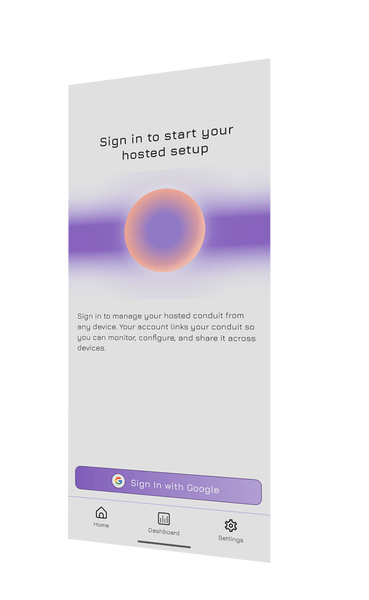
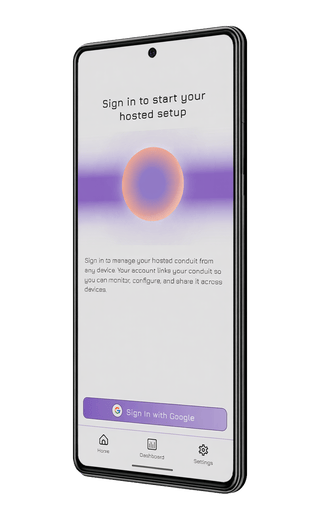
Sign In with Google

Sign in

Link your account to manage it anywhere
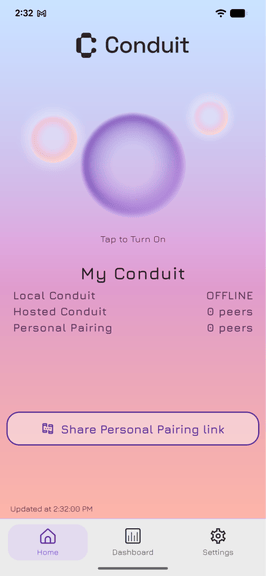
4
Share Personal Pairing link

You're all set

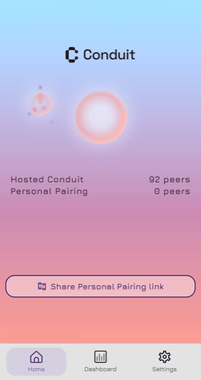
Your local, hosted, and paired stations, in one place

Personal Pairing

Support the people who matter most

Personal Pairing lets you share a private link with specific people — only they can connect. Available in both Conduit and Hosted Conduit, but the hosted version runs 24/7 even when your device is off.

Personal pairing withLocal Station

Runs when
Device is on
Capacity
Up to 30 connections

Personal pairing withHosted Conduit

Runs when
Always on 24/7
Capacity
Up to 99 connections

Note: Anyone with your pairing link can connect — you cannot approve or remove individual users. To revoke access, reset your pairing link in the Conduit app.

Get started

How to send Personal Pairing linkthrough Hosted Conduit

Subscribe to Hosted Conduit

Your personal station is created automatically

Generate your pairing link

Name your station and tap Share link

Send it to friends or family

Any app, their preferred language

They connect instantly

Paste the link into Psiphon, no setup needed